![[ AV Educate ]](http://images.squarespace-cdn.com/content/v1/65b8078755ddd303f05675d7/db23e407-0671-4a73-bd96-304f51d3176c/SOCIAL+MEDIA+ICONS.png?format=1500w)
![[ AV Educate ]](http://images.squarespace-cdn.com/content/v1/65b8078755ddd303f05675d7/8f6939e4-c0d0-4eed-8821-4aaa02343b89/SOCIAL+MEDIA+ICONS.png?format=1500w)
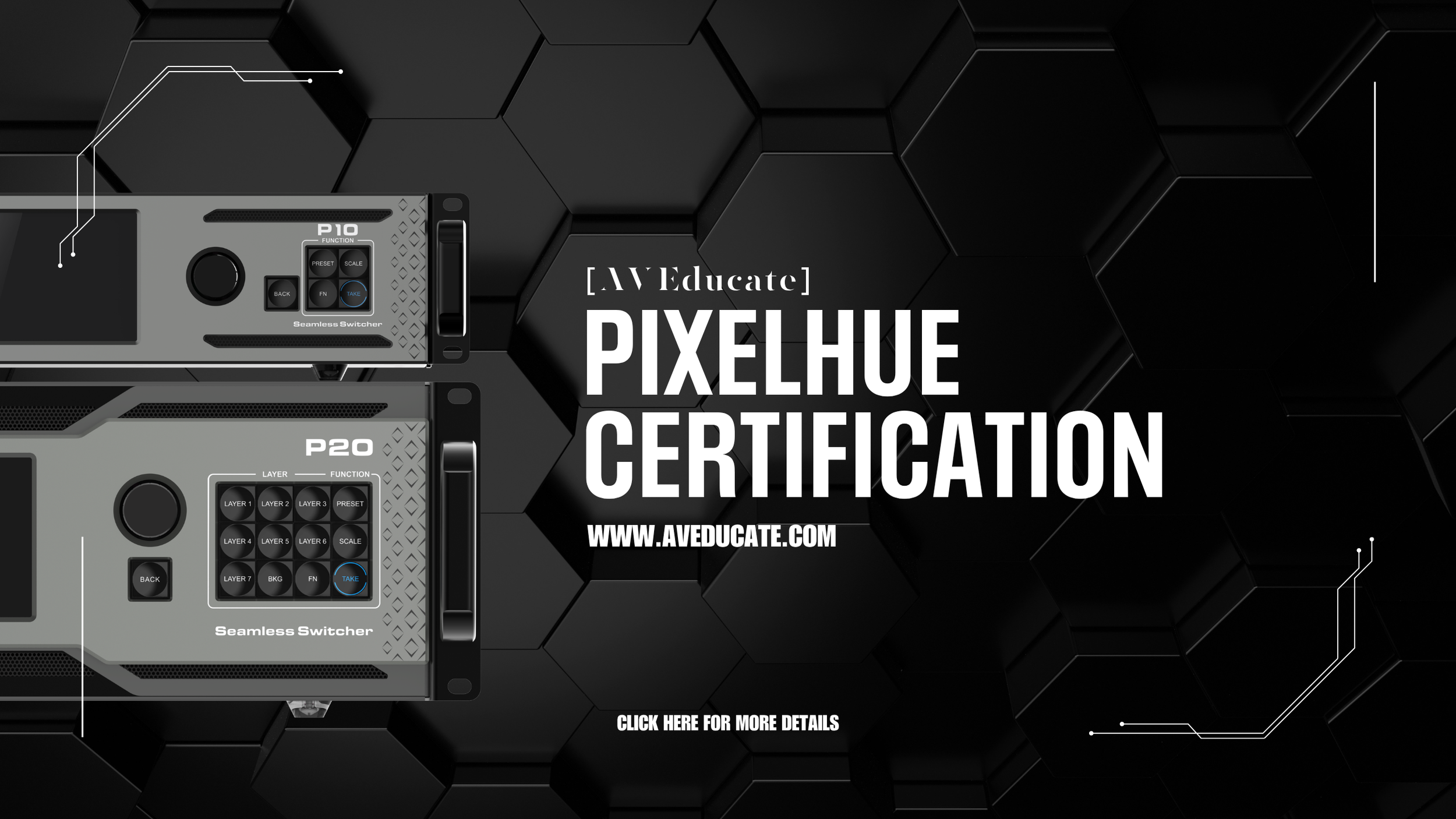
PixelHue - Level 1 & 2 Certification
Manufacturer Certification | 2 Days Per Level | In-Person
Overview
PixelHue is a professional screen switcher and video processor used across corporate events, concerts, and large-format productions. PixelHue systems are designed to manage complex multi-screen environments with precision. They're a common fixture on shows where clean signal routing, reliable canvas management, and fast on-site troubleshooting are non-negotiable. This two-level certification program builds competency from the ground up - signal routing, canvas management, and show-day troubleshooting in Level 1, advancing to complex multi-source management and high-performance show execution in Level 2. The goal is simple: walk into a PixelHue show and be the calm one.
This Class Is Right For You If...
You're a video tech or LED tech who regularly encounters PixelHue systems on-site and wants verified, structured knowledge to back up your field experience.
Your company works with complex multi-display environments and needs operators who can configure and troubleshoot PixelHue without relying on rental house support.
You're a production manager who wants your team certified on one of the most versatile and widely deployed screen switchers in the market.
You're building toward an operator or video director role and need platform-specific credentials to advance your career.
Career Level
Mid-Level to Operator - Designed for technicians with basic video signal knowledge. Level 1 establishes the foundation; Level 2 prepares operators for complex, multi-screen LED production environments.
What You'll Learn
Level 1 - PixelHue Foundations Upon completion of Level 1, participants will be able to:
Set up and configure PixelHue hardware for production environments.
Map inputs and outputs and manage signal routing across the system
Design canvas layouts and manage screen configurations.
Build presets and execute live cues with accuracy.
Monitor system performance and troubleshoot signal issues in real time.
Level 2 - Advanced Production Workflows Upon completion of Level 2, participants will be able to:
Manage complex multi-source signal environments.
Configure advanced canvas and raster layouts for complex multi-display environments.
Organize show files for repeatable, high-reliability show delivery.
Execute fast, effective troubleshooting workflows under live production pressure.
Optimize system output performance for large-format LED installations
A Day in Class
Class time is spent on the hardware. Each student works on Pixelhue equipment through structured, show-realistic exercises - building show files, executing cues, and working through troubleshooting scenarios designed to reflect what they will face on a real production. Instructors review every project and provide direct feedback on decisions, not just results. You leave with hands-on hours logged on the system, not just familiarity with the interface.
Certification & Recognition
Upon successful completion, participants receive the Pixelhue Operator Certification, issued by Pixelhue. This credential demonstrates verified competency on a platform that is used consistently across corporate, entertainment, and large-format LED productions, and signals to clients and employers that you can be trusted on the rig.
Reducing Risk
Multi-display environments leave no room for configuration errors, resolution mismatches, or scaling issues; dropped signals are immediately visible on screen in front of the audience. Certified Pixelhue operators reduce the risk of show-day failures and are equipped to resolve issues quickly and independently, without escalating to vendor support during a live event.
Instructor
Omar Colom - PixelHue Certified Instructor/Operator and AVE lead instructor with extensive experience deploying PixelHue systems across live production environments.
Course Details
Duration: 2x days
Format: In-Person, Hands-On
Class Size: Maximum 10x students
Equipment: Pixelhue P20 + U5 Controller, dedicated laptop per student